
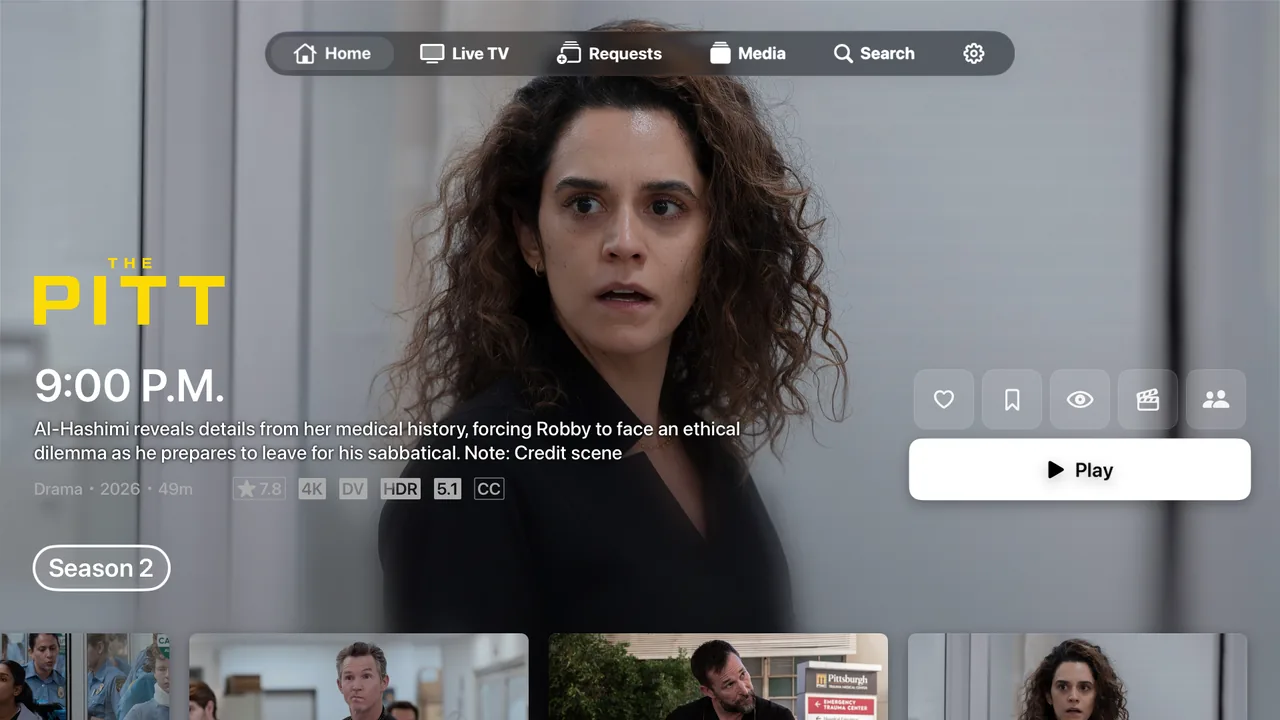
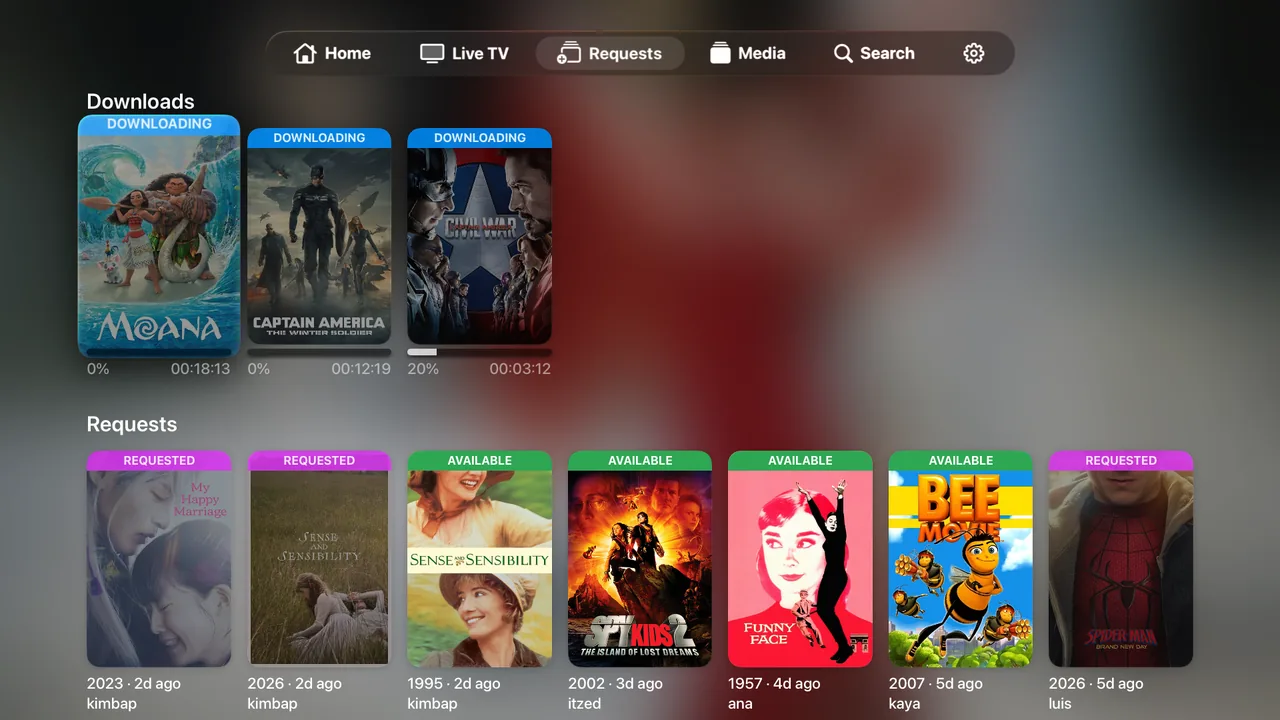
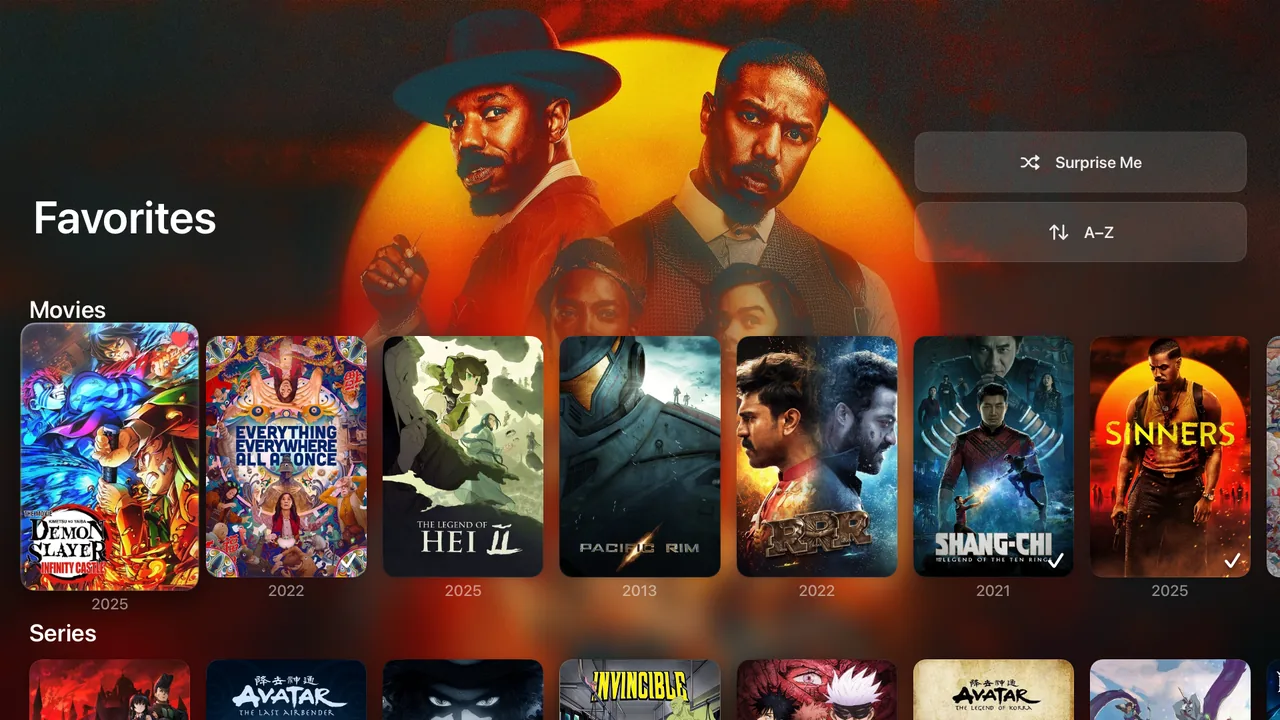
Liquid Glass interface
Apple’s translucent design language, with fluid focus, parallax and depth.

Prowlogue is a native tvOS client for Jellyfin, redesigned around Liquid Glass. It direct-plays almost anything on your server, Dolby Vision and DTS included.
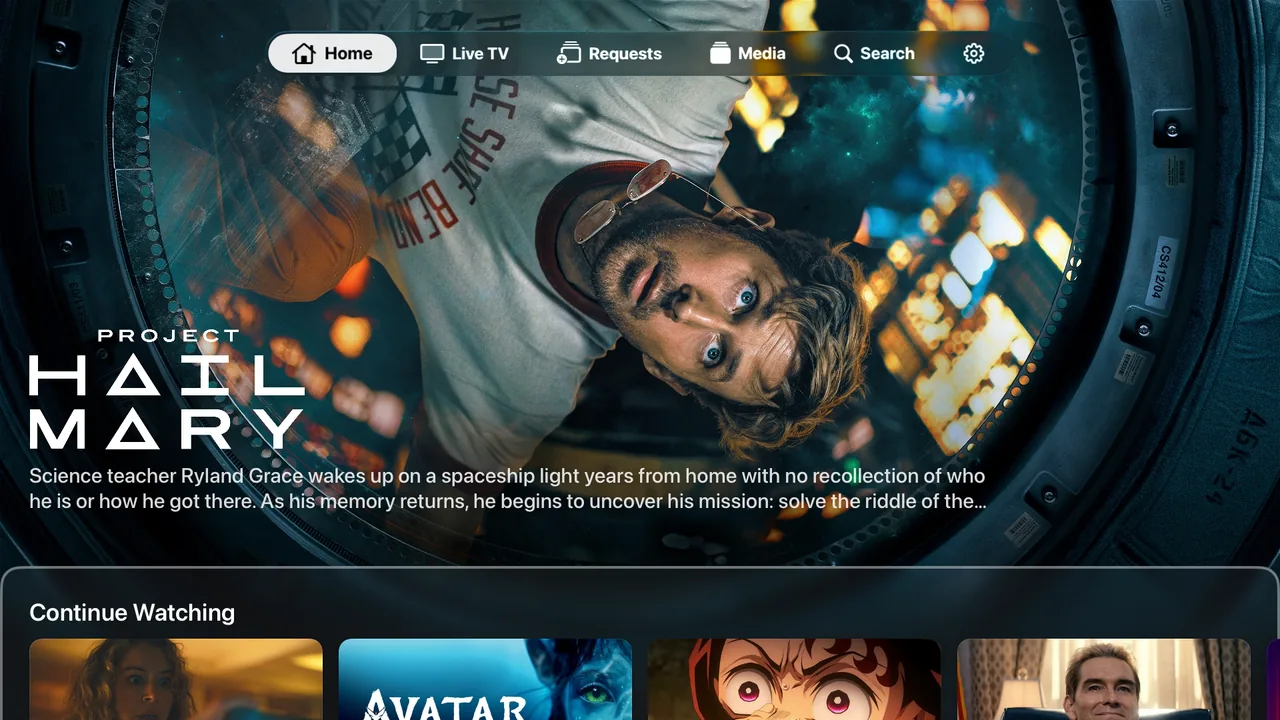
Every screen is built for the focus engine and the Siri Remote, so getting around your library feels like the rest of tvOS.
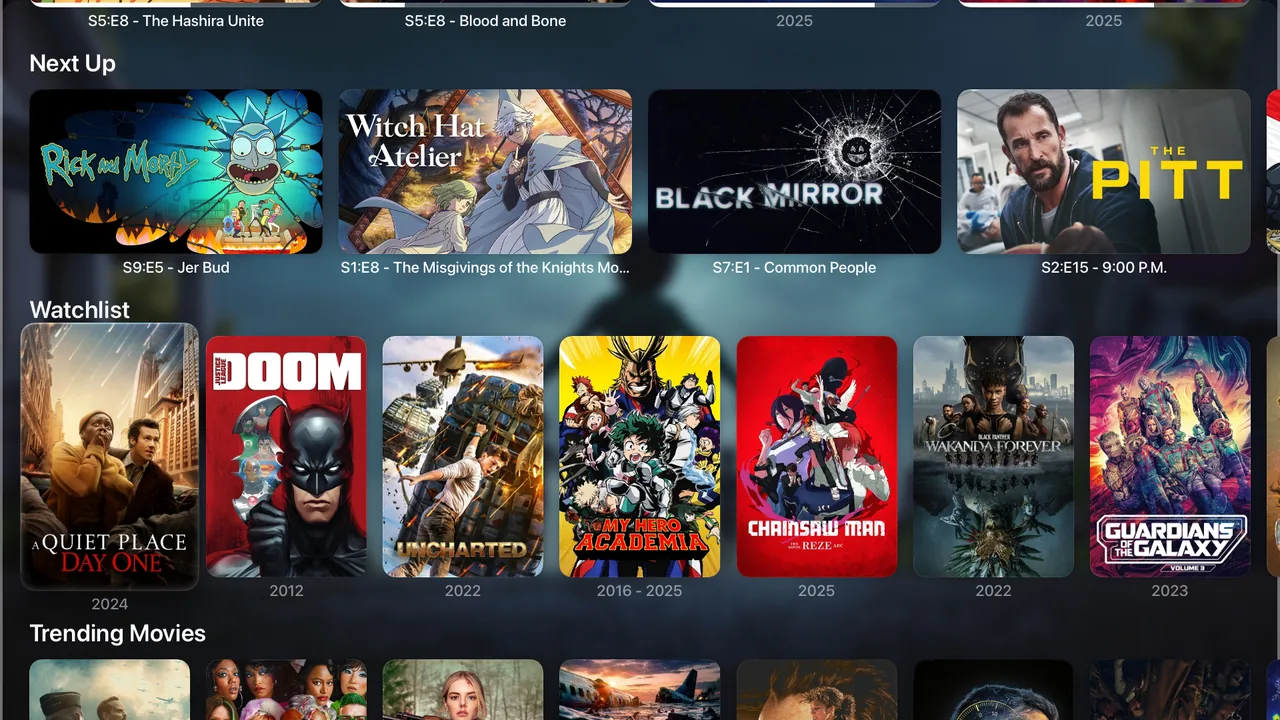
A full-bleed spotlight rotates through your featured titles, followed by Next Up, Watchlist and Trending. Rows appear in the same order and groups you set up on your server.
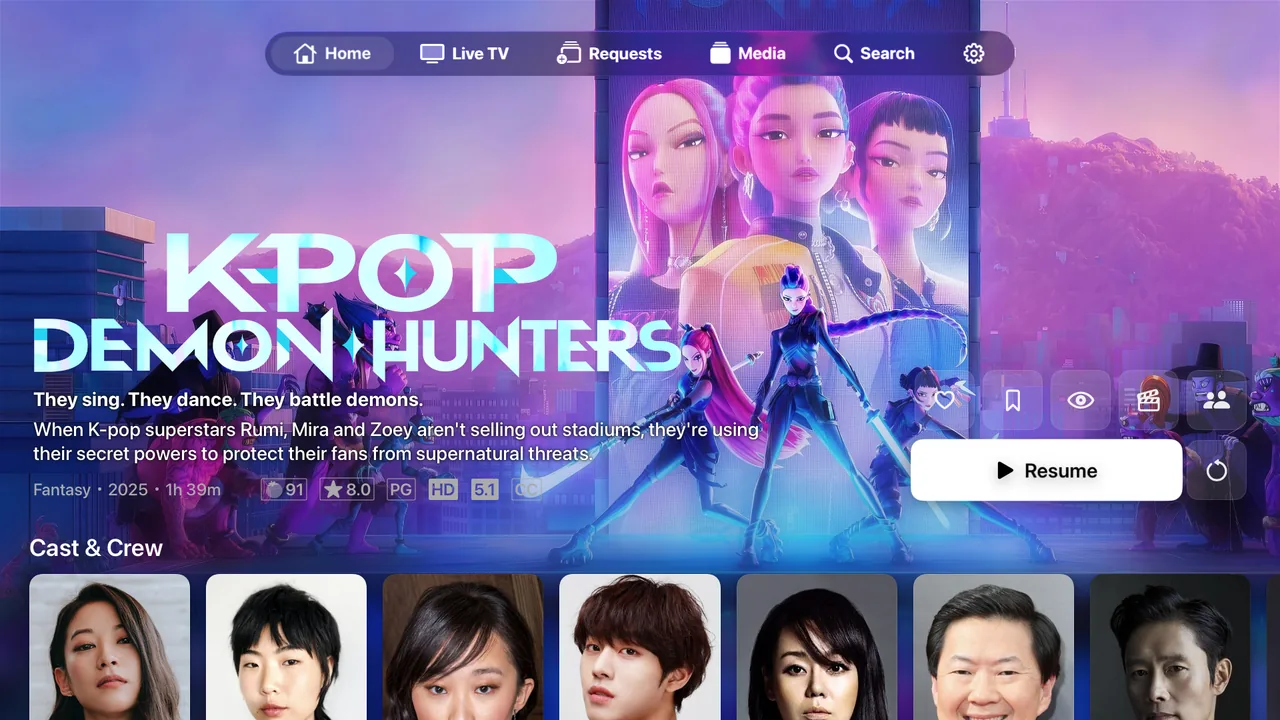
Detail pages with backdrop art, ratings, and cast & crew, plus one-click Resume. For shows, a season selector with artwork and details for each episode.
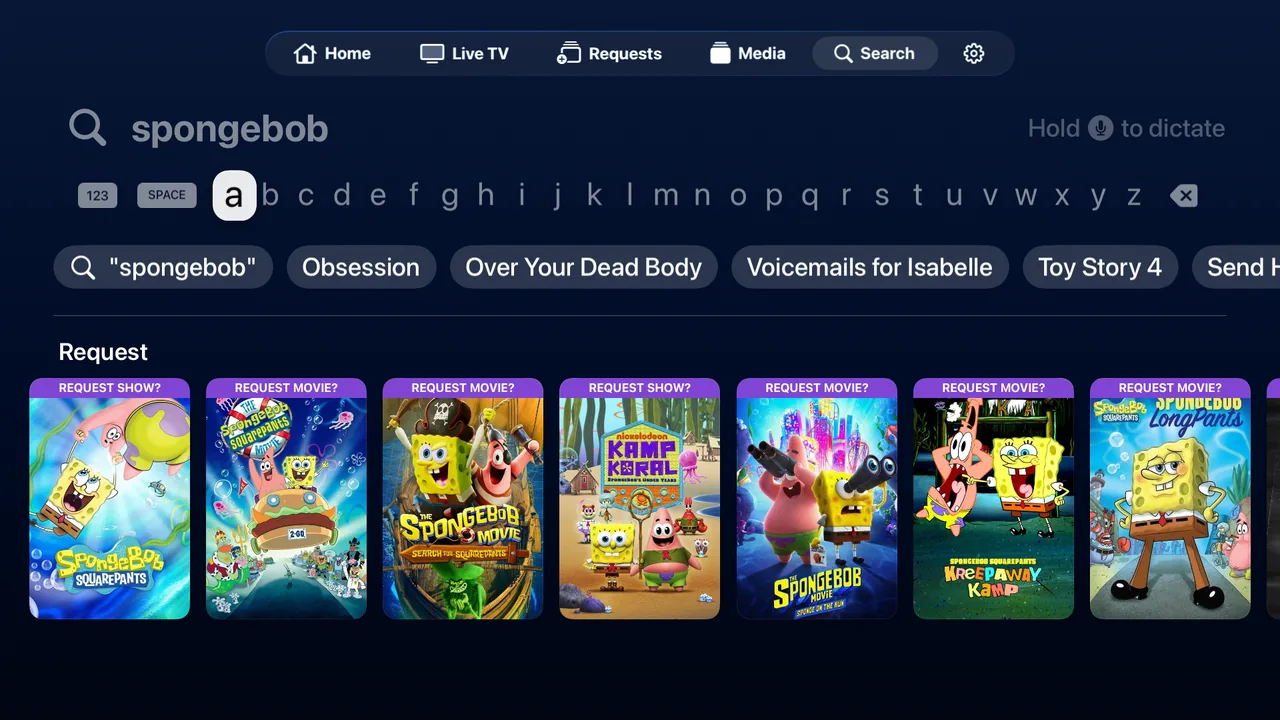
Search suggests as you type. If a title isn’t in your library, you can request it from the results through Seerr and follow its status live.
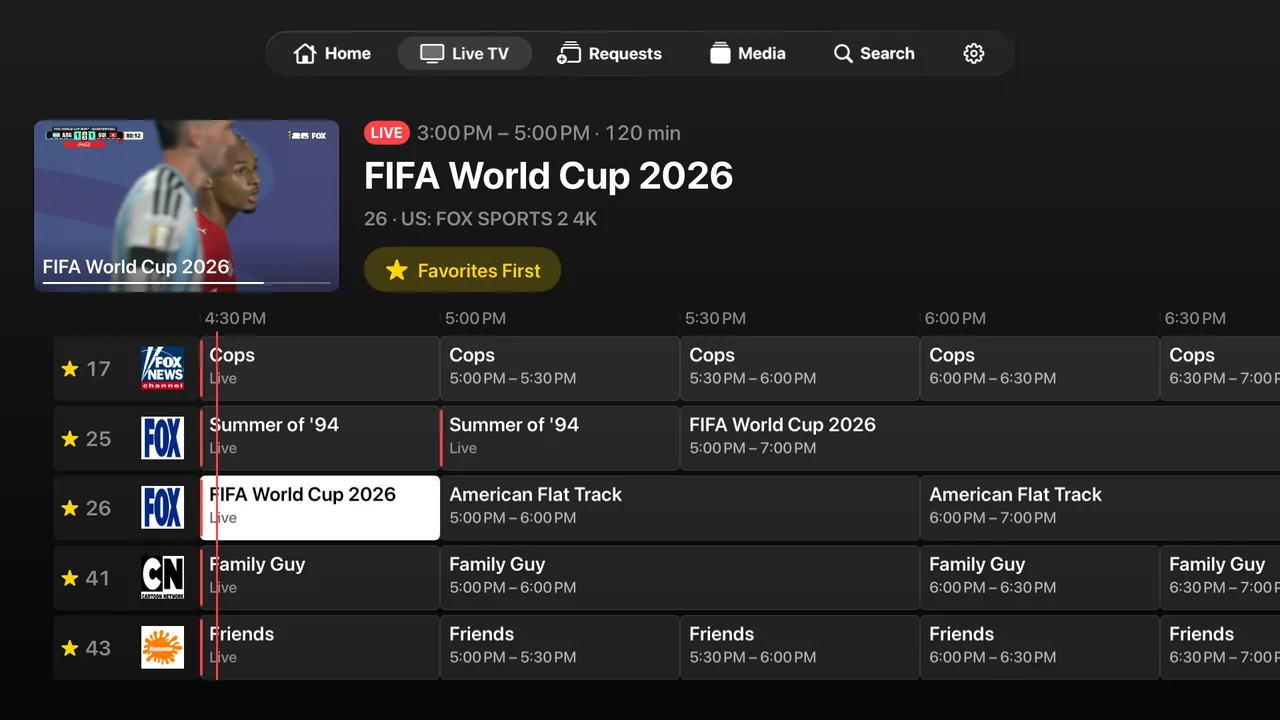
A full program guide with channel logos and a line marking what’s on now. Time scrolling is smooth, so you can see what’s coming up next.
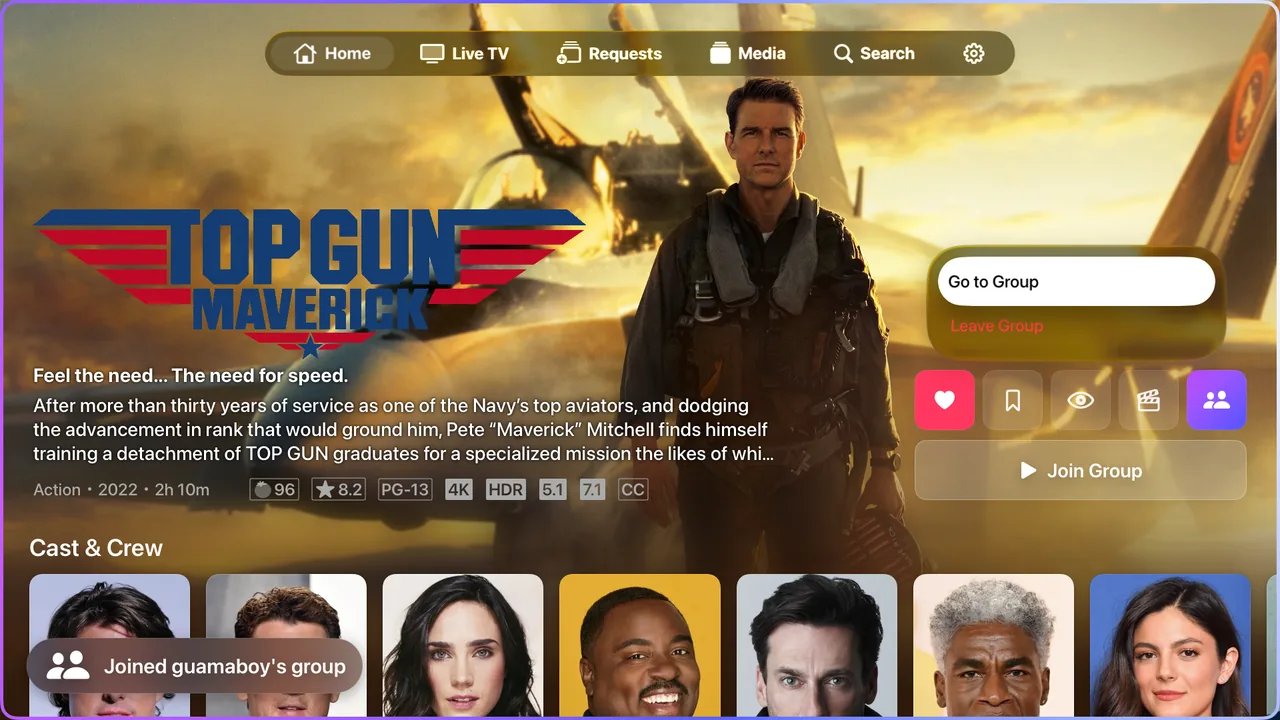
Start or join a synced group from any title. Play, pause and seek stay matched across devices, and you see when people join or leave.
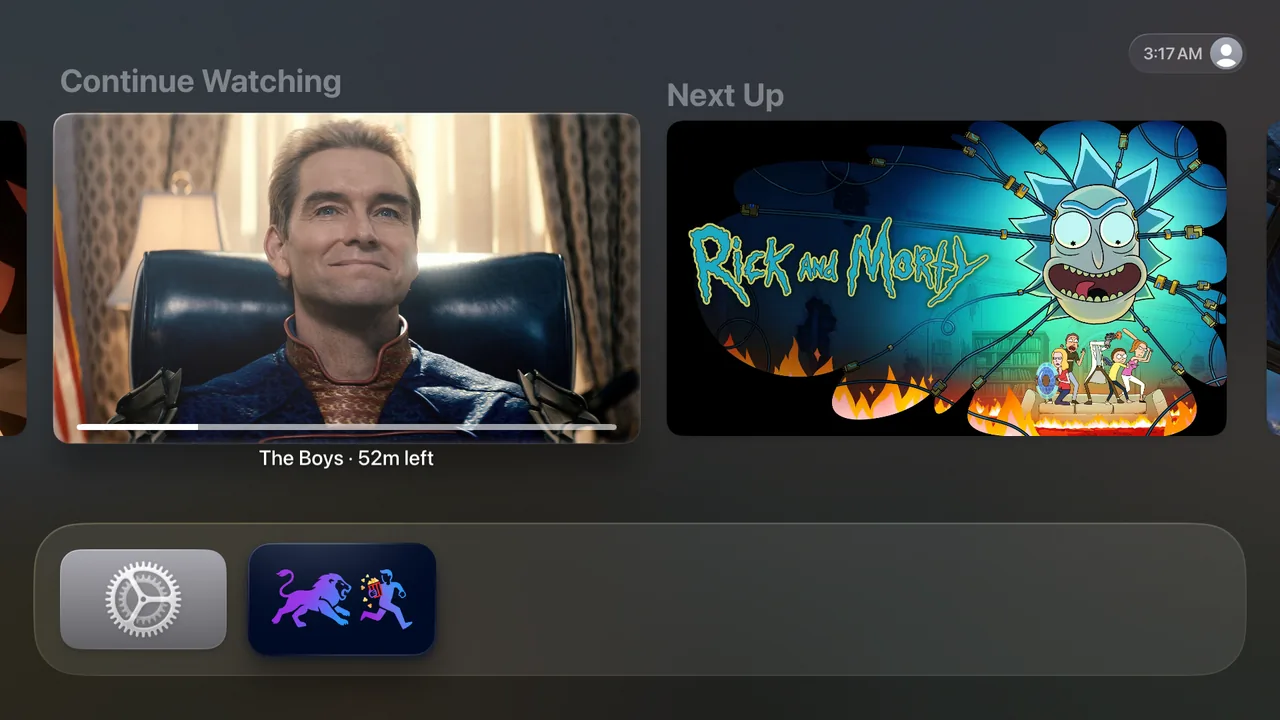
Continue Watching and Next Up show in the Apple TV Top Shelf, so your next episode is one click away.
Prowlogue finds the extensions on your server and shows them natively, with nothing to set up. If you don’t run one, you get a clean default.
Prowlogue is in public beta on TestFlight. We share the invite link in our Discord, which is also where you can get support and report bugs.
An Apple TV on tvOS 26 or later, and access to a Jellyfin server (10.11 recommended). Prowlogue doesn’t host or provide any media. It plays your own library.
Prowlogue is in public beta on TestFlight. Join our Discord to get the invite link, install Apple’s TestFlight app on your Apple TV, and open the link.
No. Prowlogue is made only for Apple TV and is designed around the tvOS focus engine.
No. Prowlogue works with a standard Jellyfin server. If you already run plugins like Home Screen Sections, Media Bar, Intro Skipper or Seerr, it detects them and shows them natively.
Usually. HDR and Dolby Vision play through Apple’s AVPlayer, and VLC direct-plays almost everything else, including MKV, DTS and ASS subtitles. Your server can transcode anything that isn’t supported.
No. There’s no analytics, tracking or Prowlogue backend. Your credentials are stored in the device Keychain and only sent to your own server. See the Privacy Policy for details.
No. Prowlogue is an independent client built on Swiftfin and isn’t endorsed by the Jellyfin or Swiftfin projects.
Our Discord is the quickest way to reach us. You can also email support@prowlogue.com.
Prowlogue builds on the work of the Swiftfin and Jellyfin communities. Code derived from Swiftfin stays under MPL-2.0, and its source is available on GitHub. Prowlogue is an independent project and isn’t affiliated with or endorsed by Jellyfin or Swiftfin.